 Snimi 4K
Cold open
Go live from your console. No computer.
A capture card into your iPad, your face from a spare iPhone, and the stream goes out to Kick, Twitch or YouTube. Snimi 4K is the whole crew in one app.
00:00:00Setup
Console in
HDMI into the card. The card into the iPad.
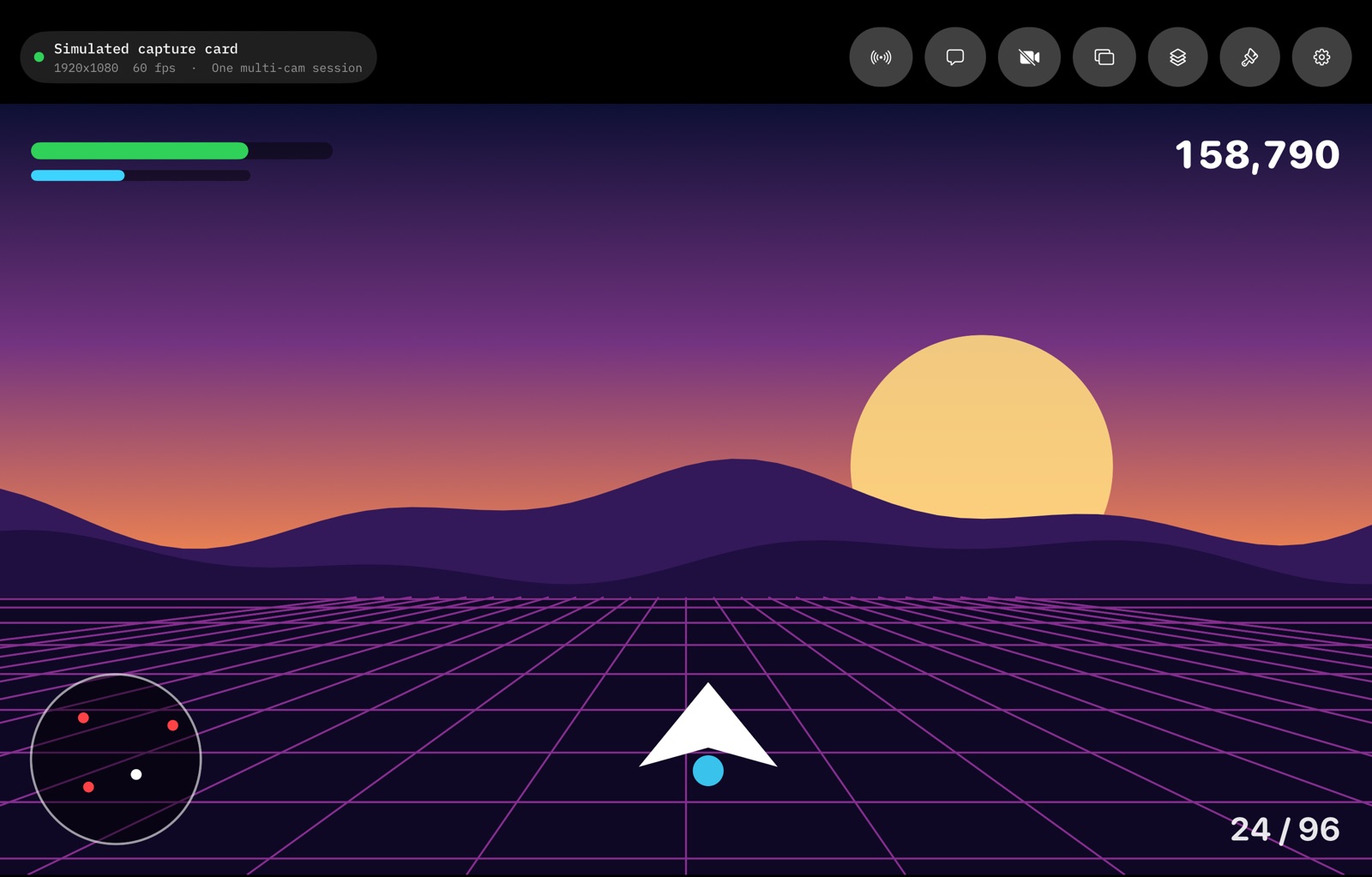
Your Xbox, PlayStation or Switch goes into a USB capture card, and the card goes into the iPad. The game is on the stage with its sound before you have sat down.
A PlayStation needs HDCP turned off in its settings first. Films and video apps stay protected on every console.
Kit list
- An iPad with a USB-C port
- A USB capture card that follows the standard video class (UVC)
- An HDMI cable from the console
- A spare iPhone for your face, if you want one
- No computer, no OBS, no account
00:00:20Camera
Camera joins
Any spare iPhone is the face cam.
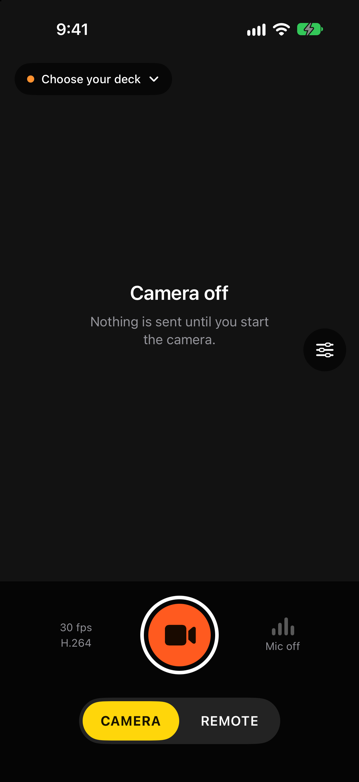
Open Snimi 4K on the phone and choose Camera. It finds the deck by itself and sends its picture and voice, kept in step with the game. Drag and pinch it where you want it on the stage.
- Over your Wi-Fi, or straight between the two devices with no router
- The phone's microphone, or AirPods connected to it
- Reconnects by itself when either app is closed and opened again
- The camera starts only when you press the button
00:00:45On air
Go live
Pick a service, paste the key once, press Go Live.
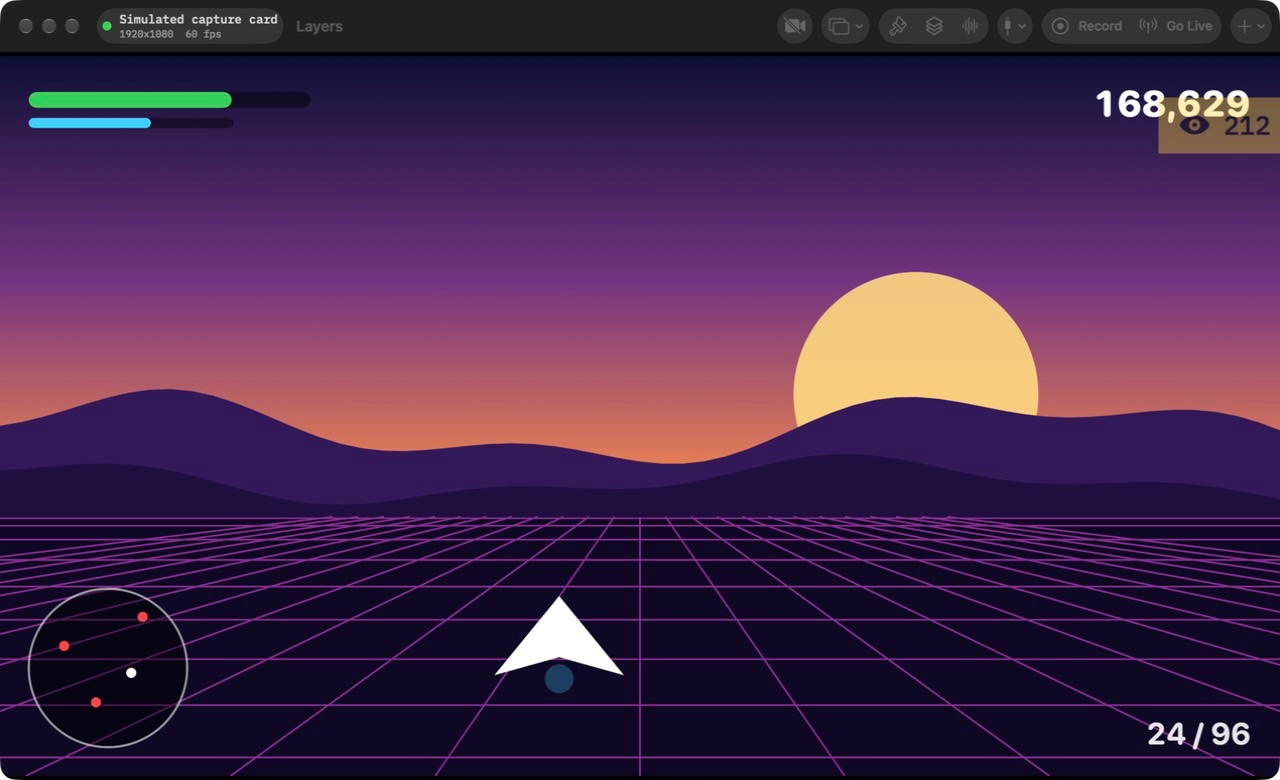
What you see on the iPad is what viewers get.
- Kick
- Twitch
- YouTube
- Your own RTMP server
- 1080p at 60 frames a second
- A connection check before you go live
- Lowers the bitrate when your upload weakens, and raises it again
- Reconnects on its own after a drop
- Eases off before the iPad gets too hot
00:01:30Graphics
Dress the show
The dressed look, built in.
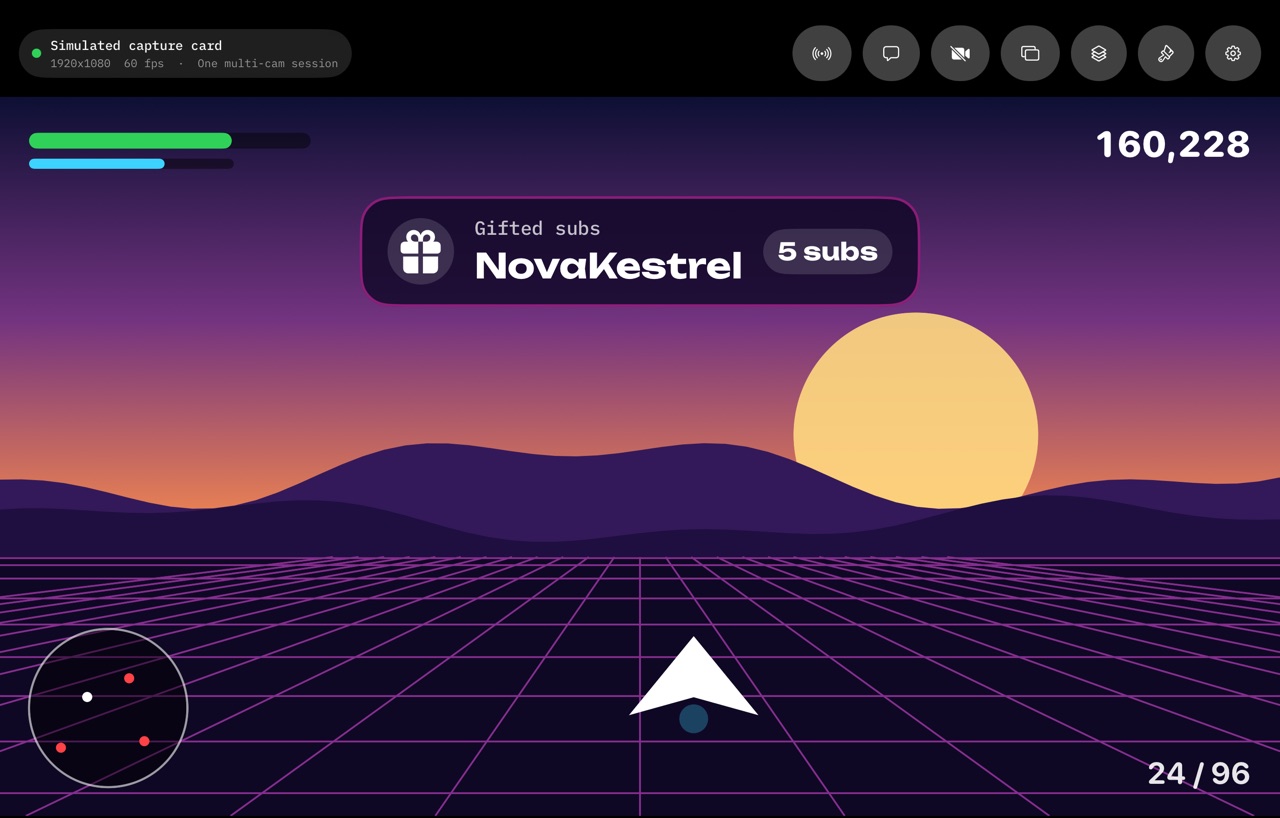
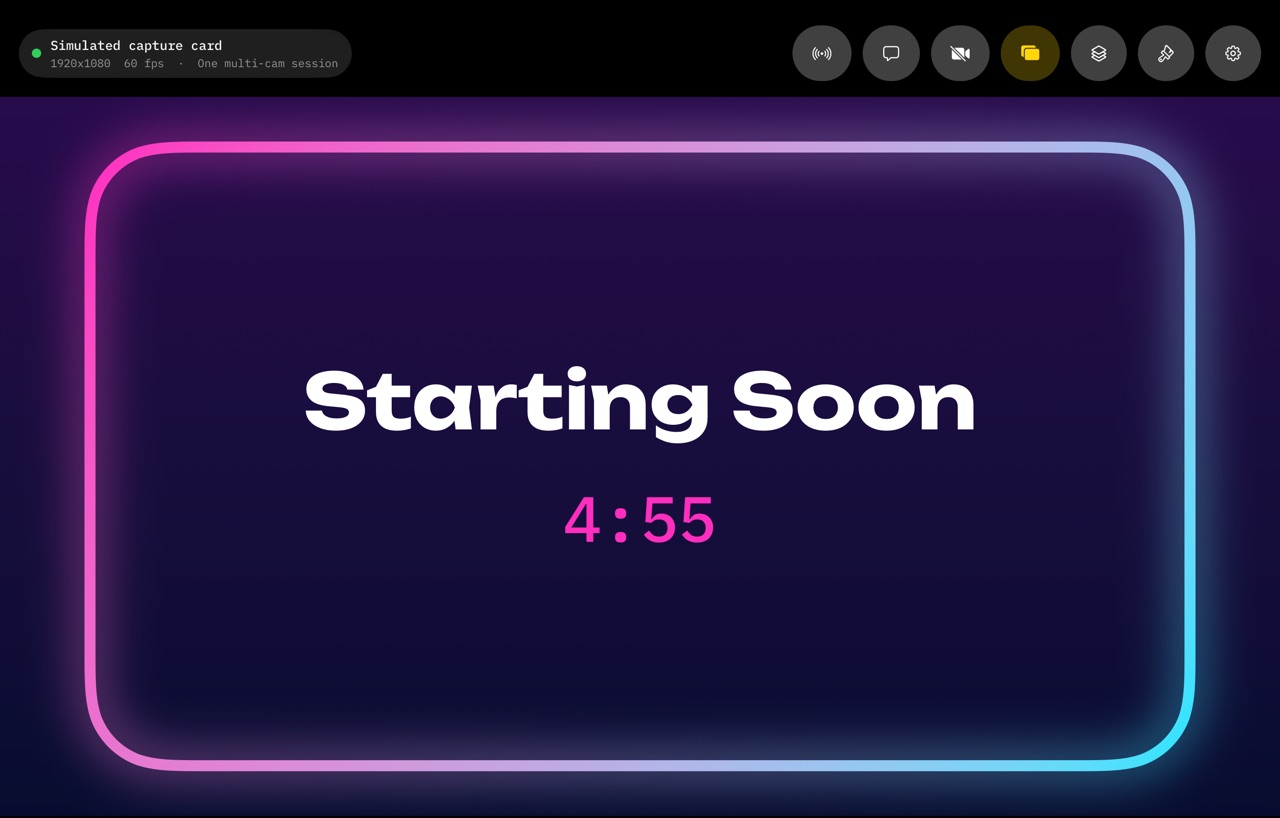
Camera frames, full-screen scenes, live labels and alerts, all restyled at once by a theme: Tape, Neon, Clean, Arcade or Mono. Bring your own overlay picture and logo if you have them.
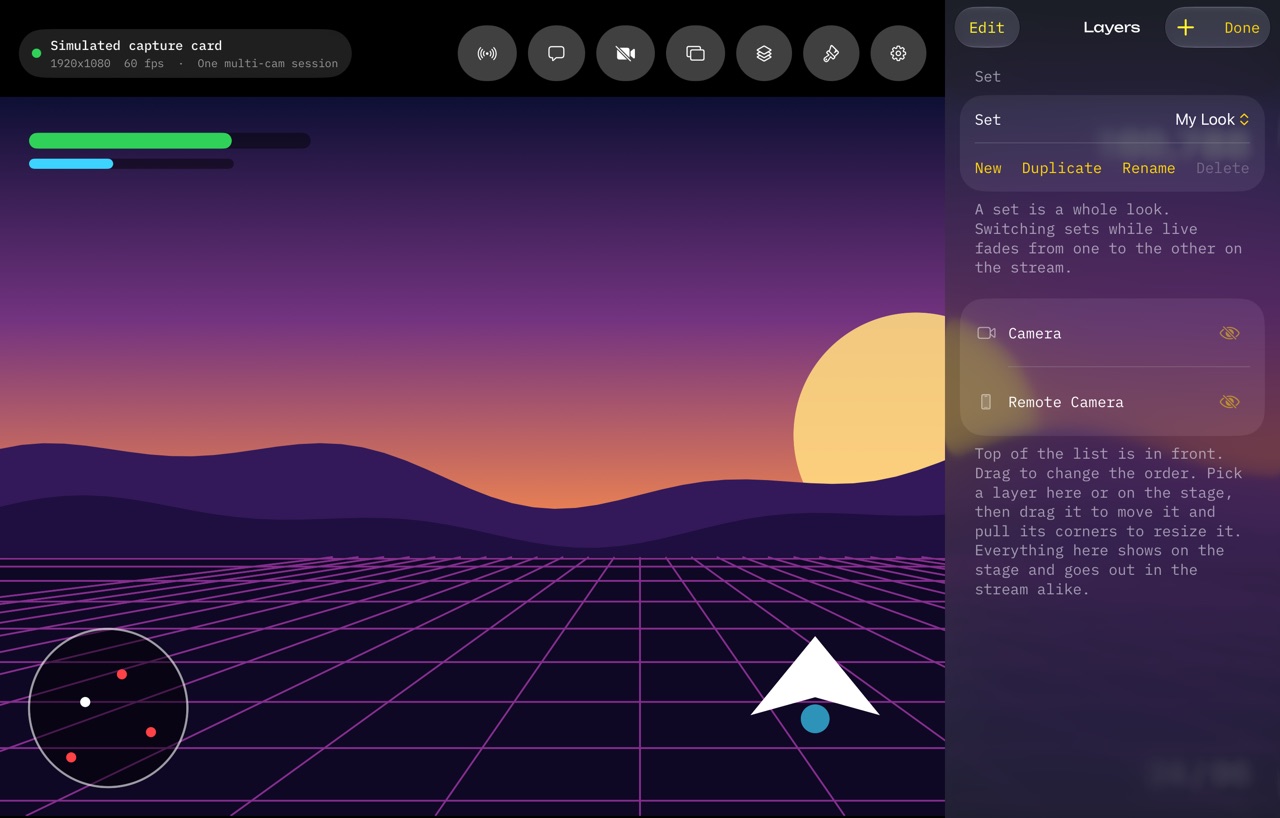
Save your layers as sets, like My Look, Racing or Chill, and switch between them live with a cross-fade.
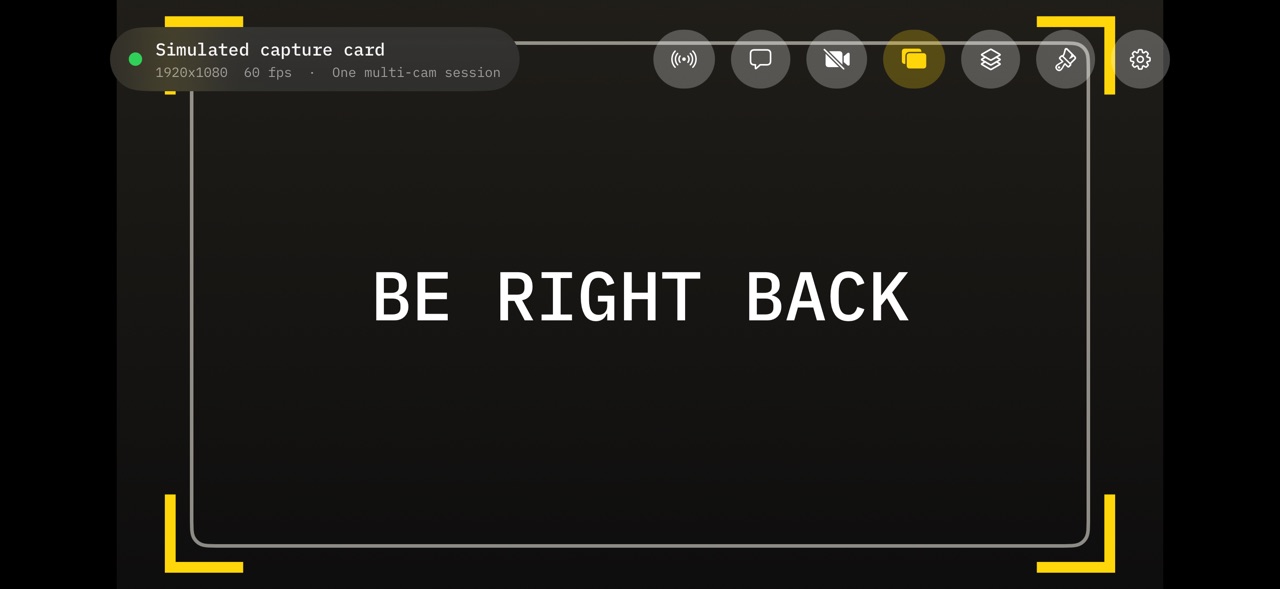
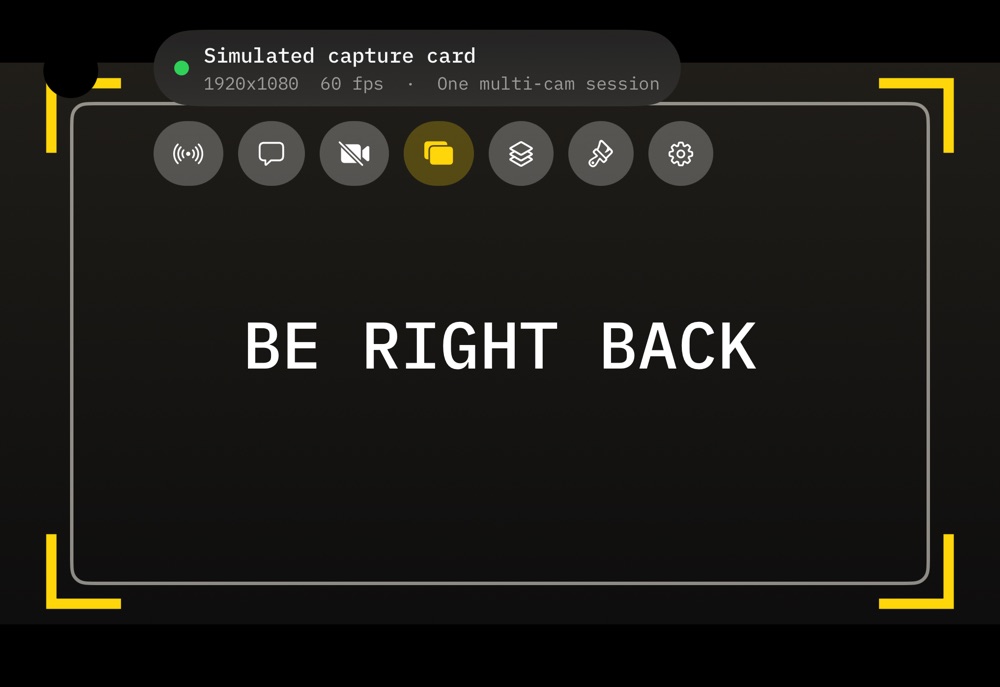
- Scenes: Starting Soon, Be Right Back, Stream Ending
- Alerts slide in when something happens on your channel
- Labels for viewers, title, clock, time live or your own text
01:24:00Break
Pause from the sofa
Run the stream from your phone.
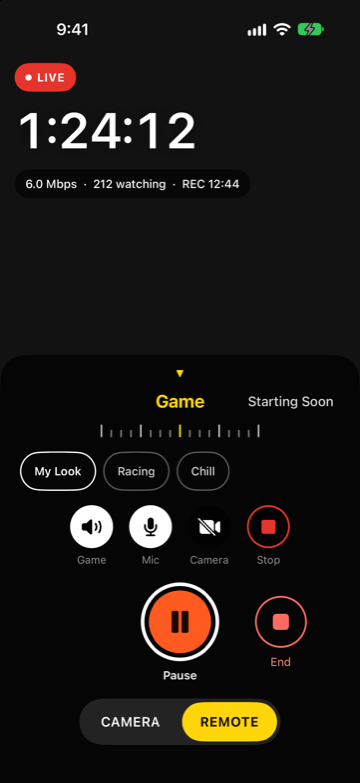
Camera mode has a Remote side. Pair the phone with your iPad or Mac once, with a six-digit code, and run the show from across the room. It works with the phone's camera off.
- Pause puts up Be Right Back, Resume brings the game back
- Turn the dial to change scenes, tap a set to change the whole look
- Mute the game or your microphone, show or hide a camera
- Start and stop the Mac's 4K recording
- Time live, bitrate, viewers and recording time at a glance
- Go live and end the stream
The phone and the deck talk over your own network, encrypted. Remove a phone in Settings and it controls nothing.
02:10:00End
Stream ending
And the whole game is on your Mac, in 4K.
The Mac app records what the capture card sends, before any camera or graphics go on top, so you keep a clean copy to edit. On its own or while you are live; the stream is not touched.
- Up to 3840 by 2160 at 60 frames a second, HEVC 10-bit
- Game sound kept uncompressed, at 24 bits
- Saved to Movies, in a Snimi 4K folder
- Shows the minutes left on the disk and stops before it fills
- A recording cut off by a crash or a power cut still plays
Rate card
Rates
Try a real stream first. Pay when you stay.
Everything is free to set up and use, the remote and recording included. Free streams run for 15 minutes each, and Snimi 4K Pro takes the limit away. One purchase covers iPad, iPhone and Mac.
Prices in US dollars. The App Store shows your currency. Subscriptions renew until cancelled in your App Store settings.
| Free | The full deck, cameras, graphics, remote and recording. Streams of up to 15 minutes. No account, no card. | $0 |
|---|---|---|
| Monthly | For a season or a tournament. Cancel any time. | $9.99 |
| YearlyBest value | About $4.17 a month, less than half of monthly. | $49.99 |
| Lifetime | Pay once. No renewals. | $149.99 |
NotesFor the crew
Before you plug in
Questions people ask first.
- Does it need a computer or OBS?
No. The iPad captures the game, mixes in the cameras and graphics, and sends the stream itself.
- Is it really 4K?
The Mac records in 4K when your console and capture card send 4K. Streams go out at up to 1080p at 60 frames a second.
- Which services can I stream to?
Kick, Twitch and YouTube are built in. Any service that gives you an RTMP address and stream key works through Custom.
- Is one purchase enough for all my devices?
Yes. Snimi 4K Pro follows your Apple Account, so it covers the deck and every camera device you sign in on.
- What does Snimi 4K know about me?
Nothing. There is no Snimi account and no tracking. Stream keys and sign-ins stay in your device's Keychain, and recordings stay on your Mac. See the privacy page.